Miniature Diorama Scene
ESCOPO
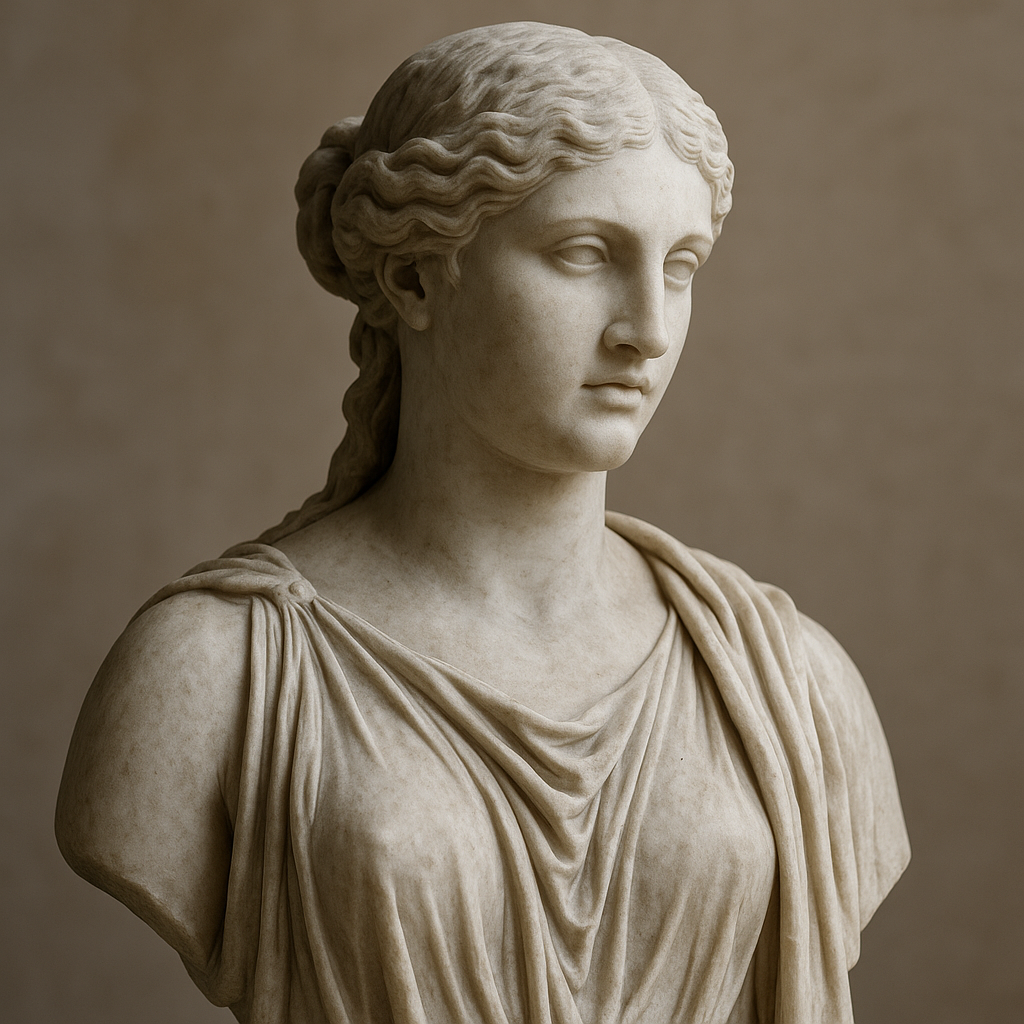
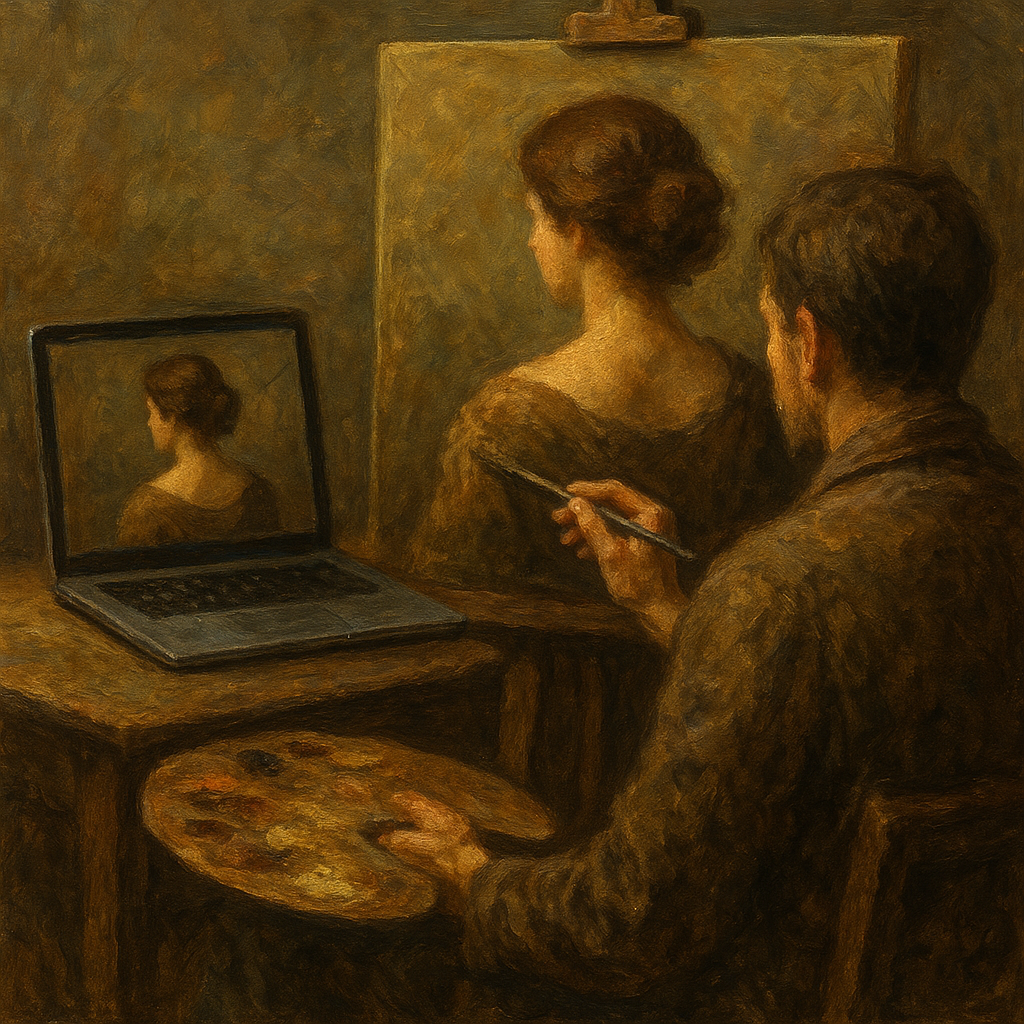
Apply tilt-shift to create a miniature diorama look. Boosts saturation, adds edge blur, and adjusts contrast for shallow depth of field.
Conteudo
Prompt principal
Instruction: Apply a miniaturization effect (tilt-shift) to the scene in the photo, making it look like a reduced-scale diorama photographed from above. Slightly increase color saturation, add progressive blur to the top and bottom edges of the frame, and adjust the contrast to simulate the shallow depth of field typical of macro photography of scale models. The result should look like a real scene reduced to the size of a tabletop miniature.